


Premier Rate Mastercard® Credit Card
Enjoy a lower rate on all of your purchases.
The RBFCU Premier Rate Mastercard gives you the flexibility you need to pay off credit card balances quickly. With a great, low rate, you can make large purchases without the higher interest other credit cards charge. The Premier Rate Mastercard includes:
- No Annual Fee
- No Foreign Transaction Fees
- $0 Fraud Liability on Unauthorized Purchases
- $1 Million in Travel Accident Insurance
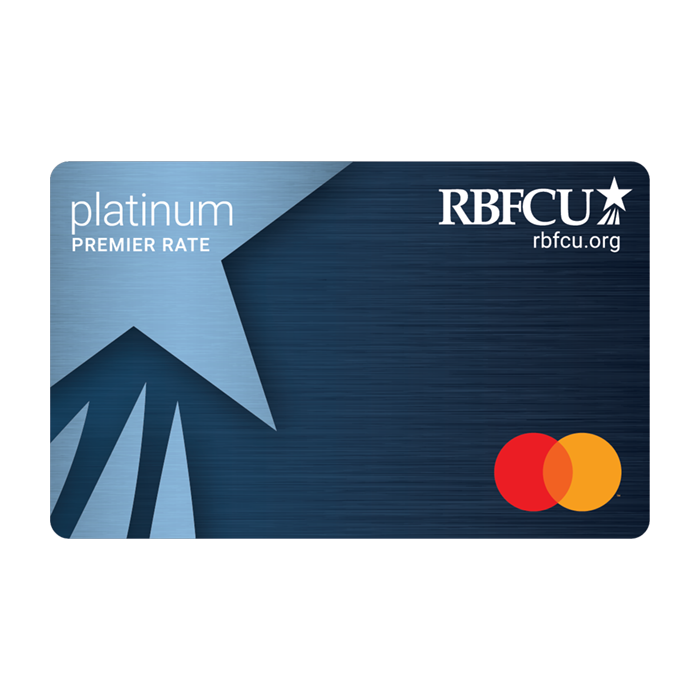
Get peace of mind with your RBFCU Mastercard.
The RBFCU Premier Rate Mastercard helps protect you and the purchases you make with the following benefits and features:

Mastercard Zero Liability Protection
You’re not responsible in the event someone makes unauthorized purchases with your card.1

24/7 Fraud Monitoring
24/7 fraud monitoring and alerts via email, phone and text if we notice suspicious activity on your account.

Contactless and Mobile Wallet Payments
Adds additional security with the use of tokenization to mask your actual card number.
Introductory APR Offer
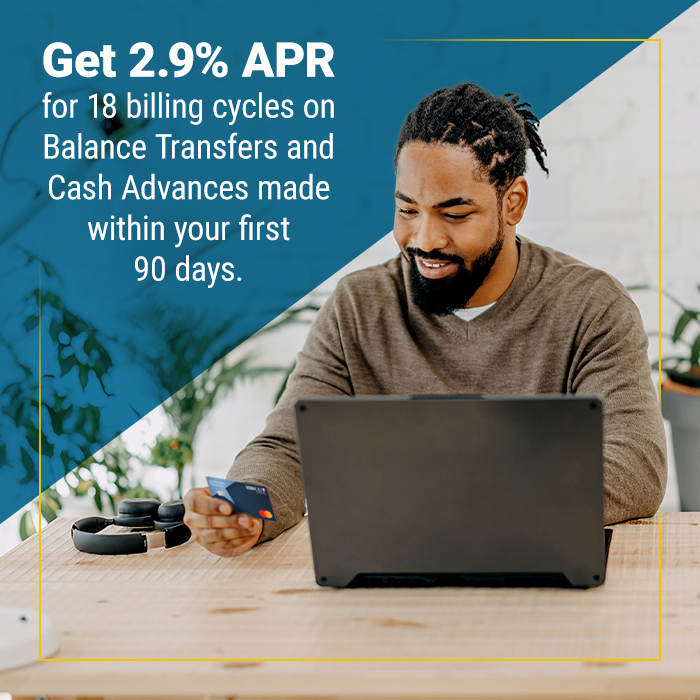
Membership eligibility required. Credit cards are subject to credit approval. Program availability, rates and terms are subject to change. 2.9% Introductory APR for 18 billing cycles on Balance Transfers and Cash Advance (A fee of 2% of the amount of each Balance Transfer and each Cash Advance will apply.) made during the first 90 days of card opening. Purchases are not included. Promotional balances will remain at 2.9% APR for 18 billing cycles starting from the date of Initial Transfer. Beginning with the 19th billing cycle, any remaining balance will be repriced to an APR of % to % for the Premier Rate credit card based on your creditworthiness and other factors. These APRs will vary with the market based on the U.S. Prime Rate.

Instacart
Get $10 off your second order each month, and new Instacart+ members can also get three free months of Instacart.2*
Mastercard Music and Entertainment Access
Mastercard gives you exclusive access to ticket presales at top venues and festivals across the U.S.3*

Mastercard Transit
Save when you tap and go with your eligible Mastercard and receive a $2.50 statement credit when you spend $10 or more each month at participating transit systems.4*
*Exclusive offers available upon Premier Rate credit card activation.
Mastercard Cardholder Promotions
Stay updated on the latest promotions, exclusive offers, contests, sweepstakes, giveaways and more available to RBFCU Mastercard cardholders.

Manage your credit card subscriptions from your Online Banking account
Have a recurring subscription charged to your RBFCU Mastercard® credit card that you just keep forgetting to cancel? You can cancel that subscription right from your Online Banking account or the RBFCU Mobile® app! Here’s how:
- Sign in to your Online Banking account or the RBFCU Mobile app
- Select your credit card from the Account Summary page
- Find and select the subscription transaction
- Select “Manage Subscription”
- Select “Cancel Subscription”
- Follow the prompts to submit a cancellation request
If cancellation isn’t available, we’ll provide instructions on how to cancel the subscription.
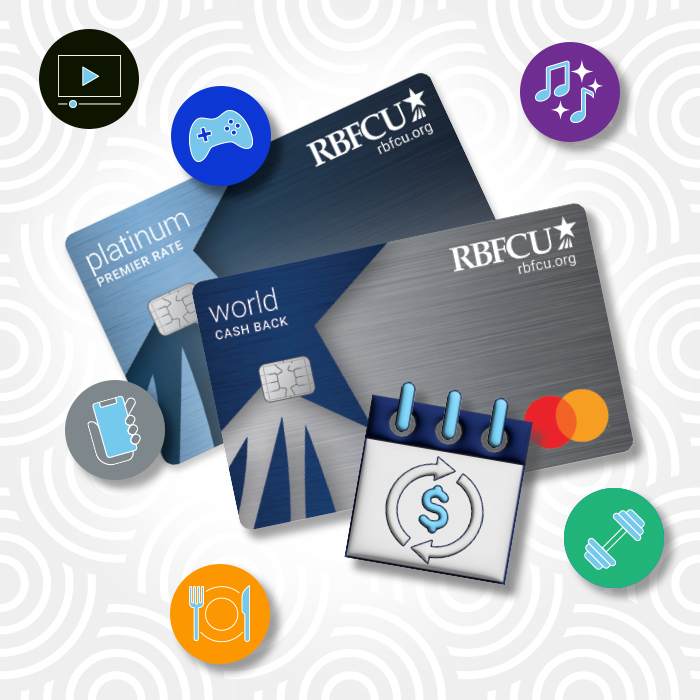
Important card documents
- Interest Rates, Interest Charges and Fees for World Cash Back and Premier Rate Mastercard Credit Cards
- Platinum Premier Rate Mastercard Pricing Terms and Agreement Billing Rights & Credit Card Disclosure
- Guide to Benefits for Premier Rate Mastercard Cardholders: Worldwide Automatic Travel Accident & Baggage Delay

Managing credit cards can be a challenge
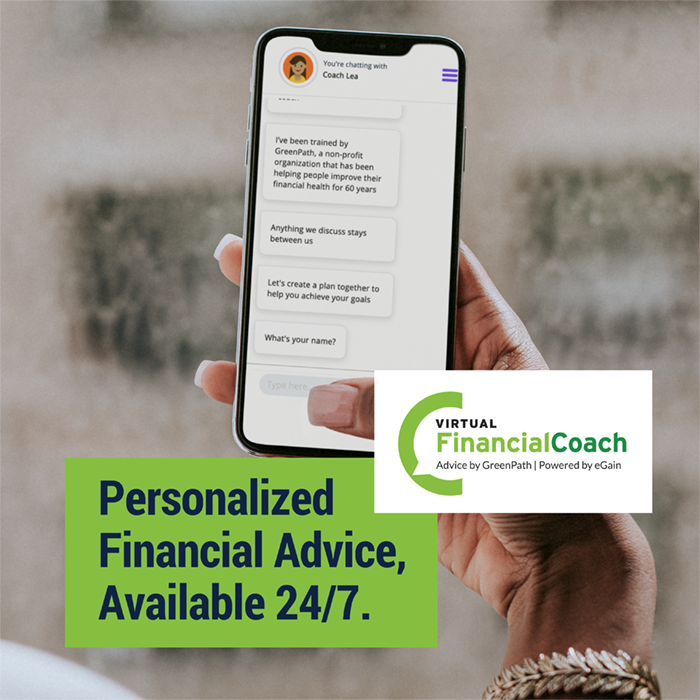
Let Coach Lea show you how!
Lea, the Virtual Financial Coach from GreenPath Financial Wellness, is ready to help you improve your credit score, move forward after a credit decline, pay down debt and build healthy financial habits. A secure experience offering personalized financial advice 24/7 on any smart phone or computer, Coach Lea helps you set financial goals and identify actions to reach them.
And if you think you may want to dig in deeper, the financial experts at GreenPath are a call away. GreenPath is a trusted non-profit that has been helping people lead financially healthy lives for more than 60 years.




-
Do I need to select/create a PIN for my RBFCU Mastercard credit card?
Your RBFCU Mastercard credit card does not require a PIN to activate. The security features of the card are enhanced without setting a PIN.
However, a PIN will be needed if:
- A merchant/retailer prompts you to enter a PIN to complete a purchase
- You use your credit card at an ATM
If you wish to create or change a PIN for your credit card, you can do so by signing in to your Online Banking account or the RBFCU Mobile app, or by phone.
To select a PIN using Manage Cards in the RBFCU Mobile app:
- Sign in to the app
- Tap “Manage Cards” in the bottom navigation
- Select the credit card for which you’d like to select a PIN
- Choose “Select PIN”
- Enter and confirm your new PIN
- Select “Submit”
To select a PIN using Manage Cards in your Online Banking account:
- Sign in at rbfcu.org
- Select “Manage Cards” from the menu
- Select the credit card for which you’d like to select a PIN
- Choose “Select PIN”
- Enter and confirm your new PIN
- Select “Submit”
To select a PIN by phone, use the applicable number listed below and when prompted say, “Select PIN.”
- World Cash Back Card: 1-888-999-4355
- Premier Rate and Business Select Card: 1-888-999-4336
-
How can I request a credit line increase?
To increase your credit card limit, you will need to submit a new credit application. You can complete the application through your Online Banking account. Just click on the three vertical dots next to the credit card you wish to increase and select “Change Limit / Rate.”
-
What should I do if my RBFCU Mastercard credit card is lost or stolen?
You can report your lost or stolen World Cash Back or Premier Rate Mastercard credit card by contacting us in one of the following ways:
- Online:
- Visit “Manage Cards,” after signing in to your Online Banking account
- Select your card
- Choose “Report a Lost or Stolen Card” and follow the prompts
- RBFCU Mobile app:
- Sign in to the app
- Tap “Manage Cards” in the bottom menu
- Select your card
- Choose “Report Lost or Stolen” and follow the prompts
- Phone: To report a lost or stolen credit card over the phone, call our card servicing partner 24 hours a day, seven days a week.
- World Cash Back cardholders: 1-888-999-4355
- Premier Rate and Business Select cardholders: 1-888-999-4336
You can also “Freeze” your card to ensure no transactions are made while you search for the card, or “Replace” your card. If your card is connected to any mobile payment services, be sure to remove the card as a payment option.
Your old credit card will be deactivated and we’ll send you a replacement credit card with a new card number.
If you have set up automatic payments directly with other merchants, you will need to contact them with your new card number and expiration date.
- Online:
-
How do I change my credit card PIN?
If you wish to create or change a PIN for your credit card, you can do so by signing in to your Online Banking account or the RBFCU Mobile app, or by phone.
To select a PIN using Manage Cards in the RBFCU Mobile app:
- Sign in to the app
- Tap “Manage Cards” in the bottom navigation
- Select the credit card for which you’d like to select a PIN
- Choose “Select PIN”
- Enter and confirm your new PIN
- Select “Submit”
To select a PIN using Manage Cards in your Online Banking account:
- Sign in at rbfcu.org
- Select “Manage Cards” from the menu
- Select the credit card for which you’d like to select a PIN
- Choose “Select PIN”
- Enter and confirm your new PIN
- Select “Submit”
To select a PIN by phone, use the applicable number listed below and when prompted say, “Select PIN.”
- World Cash Back Card: 1-888-999-4355
- Premier Rate and Business Select Card: 1-888-999-4336
-
How can I request a Balance Transfer on my credit card?
You request a Balance Transfer through “Manage Cards” in your Online Banking account, the RBFCU Mobile app or by calling 210-945-3300.
Click here to learn more about Cash Advances and Balance Transfers.
Membership eligibility required. Credit cards are subject to credit approval.
1. These are summary descriptions only. Certain terms, conditions and exclusions apply. To learn more about Zero Liability, visit mastercard.com/zeroliability. Contact RBFCU for complete coverage terms and conditions or call 1-800-Mastercard (1-800-627-8372) for assistance. Applicable to U.S. cardholders only.
2. Instacart
Offer begins September 1, 2025, and ends January 31, 2027, subject to early termination. Eligible Mastercard U.S. Credit cardholders, and Mastercard U.S. Debit cardholders who are new Instacart+ subscribers, can receive three months of free Instacart+. Eligible U.S. Mastercard® credit cardholders who are new or existing Instacart+ customers, and all Mastercard U.S. debit cardholders who are new to Instacart+ as of September 1, 2025, can receive $10 off on their second qualifying order of $10 or more each month. Must have an active Instacart+ membership paid for with an eligible card and complete one qualifying Instacart order each month. Service fees, other fees, taxes and/or tips may apply to deliveries. By redeeming this offer, you agree to the Instacart+ terms and if you select a paid plan, your Instacart+ membership will auto-renew and the applicable membership fee will be billed automatically to any payment method on file until you cancel. Additional terms apply, please visit www.instacart.com/p/mastercard-offer.
3. Mastercard Music and Entertainment Access
Mastercard Presale is subject to availability and while supplies last. A valid Mastercard consumer credit card is required for Presale ticket purchases. Ticket availability, maximum number per cardholder and applicable dates will vary based on venue and card type. This Presale ticket benefit will be valid through 3/31/2027. All sales are final. This offer is not available to Mastercard Business, Commercial or other Mastercard non-consumer credit cardholders. Other restrictions/exclusions may apply. To access ‘presale’ tickets, enter the first 6 digits of your eligible Mastercard credit card account number (no dashes) in the “Offer Passcode” field. Mastercard is not responsible for fulfillment of the offer. By participating, you agree to be bound by these terms & conditions and the Priceless Terms of Use, which can be found at: https://www.priceless.com/terms. Additionally, this experience will be sold to you by Ticketmaster or TicketWeb. Purchases and/or reservations made, and any information provided by the cardholder are subject to Ticketmaster’s Terms of Use or TicketWeb’s Terms of Use, as applicable.
4. Mastercard Transit
Open only to individuals with an eligible US, MX, PR, DR, JM, AR and CL-issued ** Mastercard credit or debit card AND select U.S.-issued Mastercard prepaid cards. Ends 12/31/27. Use your eligible Mastercard credit, debit or prepaid card to make a contactless public transit purchase initiated at point of entry at BART, CTA, DART, LACMTA, MARTA, DTPW, MBTA, NJT, PATH, MTS, SEPTA, or WMATA and process a minimum of $10 in contactless purchase transactions within any given calendar month and receive a $2.50 statement credit. Limit 1 credit per participant per calendar month. For full Terms & Conditions, visit mastercard.com/transitbenefit. Terms subject to change.
All third party trademarks are the property of their respective owners.